Why Your Blog Feels Invisible
The Accidental Blogger Departmental Memo
Issue Date: April 23, 2025
Memo No.: 044
Subject: Why your blog feels invisible
Read Time: 5 minutes
Last week we tackled self-doubt. This week, we’re moving from mindset to mechanics—because even the most brilliant blog can feel invisible if it doesn’t build trust fast.
Think of your blog like a digital storefront.
If it looks unfinished or confusing, people leave.
If it’s clear, inviting, and credible? They stick around—and maybe even subscribe.
That’s why this week is all about building the foundation: credibility.

📋 Weekly Highlights
- Tip of the Week: Credibility is a design decision. The way your blog looks, reads, and navigates tells people whether they should trust you.
- Spotlight Success: I once helped a creator update their About page and footer, and they saw a 15% bump in email signups the next month. Tiny tweaks, big trust.
💡 From Draft to Digital
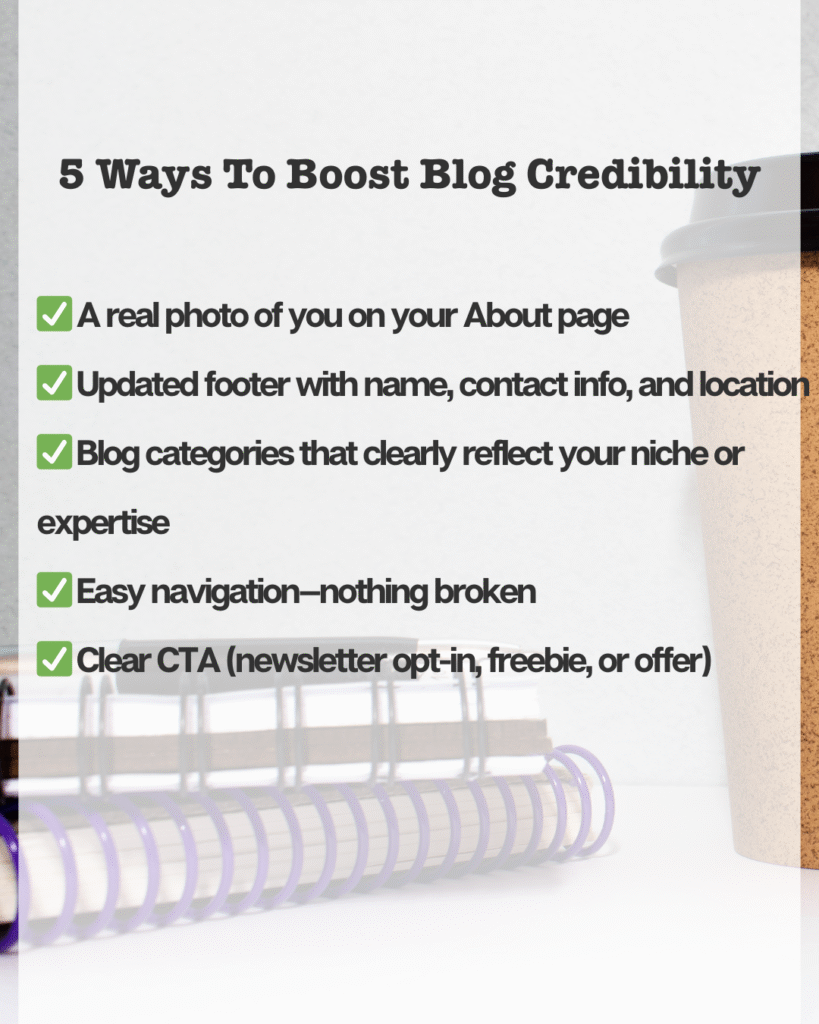
Here are 5 quick fixes that instantly boost your blog’s credibility:
- ✅ A real photo of you on your About page
People trust people. A friendly, approachable photo helps visitors feel like they know you—even before reading a word. It doesn’t have to be a polished headshot, just something that feels like you.
- ✅ Updated footer with name, contact info, and location
Your footer is like the back door of your blog. Don’t leave it broken or blank. Add your name, a current year copyright, and at least one working way to contact you.
- ✅ Blog categories that clearly reflect your niche or expertise
Categories aren’t just for organization—they communicate what your blog is about. If you want to be known for easy recipes, don’t have categories like “Life” and “Other.” Be specific. Make them aligned with what you want to be found for.
- ✅ Easy navigation—nothing broken
Nothing kills trust like clicking a menu item and getting an error. Do a quick link check.
- ✅ Clear CTA (newsletter opt-in, freebie, or offer)
Don’t make people guess what to do next. Invite them into your world. Whether it’s a free guide, your weekly newsletter, or a 15-minute call—tell them clearly what’s in it for them and make the button easy to find.
If you want more guidance on this, I put together a free resource that walks you through these steps and more:
🎉 Happy Accidents Worth Sharing
Did you know the hashtag wasn’t invented by Twitter? It was actually suggested by a user—developer Chris Messina—in a tweet back in 2007. At the time, Twitter wasn’t convinced it was useful. But the community embraced it. Fast.
Now, hashtags are foundational to how we discover and categorize content—not just on Twitter (now X), but across nearly every major platform.
The takeaway?
You don’t always need to engineer the perfect system. Sometimes your audience helps shape what works best. Don’t be afraid to try something, share an idea, or post content you’re unsure about. You never know what might catch on.
📬 Your Assignment
Do a 5-minute credibility sweep:
- Check your About page—does it sound like you?
- Look at your footer—can someone tell who you are and how to contact you?
- Ask: If someone landed here today, would they trust me?
Make one small tweak—and tag me if you share it!
🖌️ Creative Corner
📌 Add a mini bio and CTA to the bottom of each blog post. Something like: “Hi, I’m [Your Name], and I help [audience] do [result]. Want more? Download my free [resource].”
📣 Department Noticeboard
📢 Our next blog visibility mini-training drops next week: “SEO Without the Overwhelm.” Stay tuned.
P.S. Sometimes trust starts with one small fix. Sometimes it starts with deciding to show up like a real brand. Either way—you’re on your way.